2026 Re-launch: New Year, New Everything
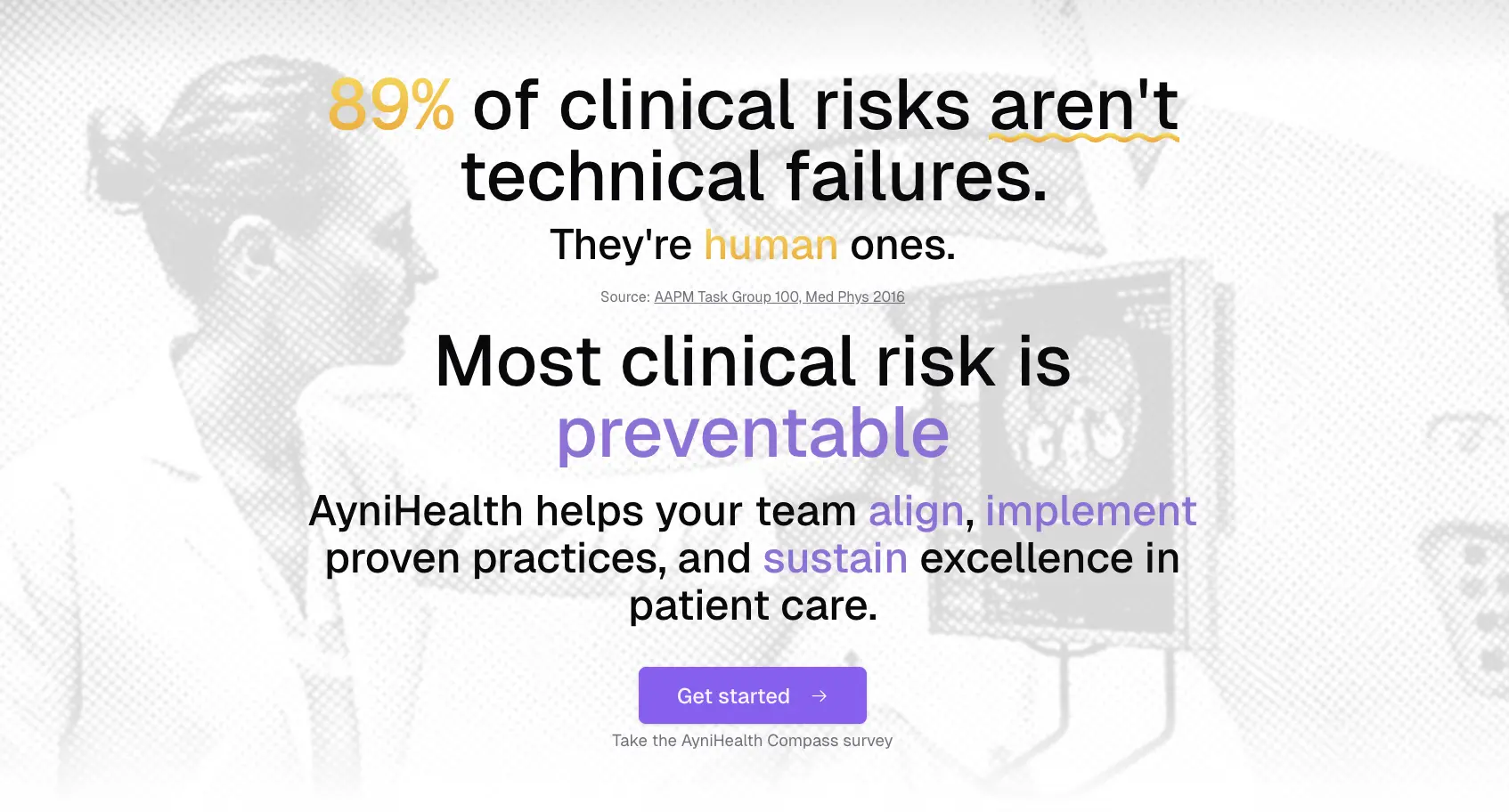
We're kicking off 2026 with our biggest update yet. This re-launch brings a wealth of new features spanning all three products: Compass, Catalyst, and Connect.
Compass: Public Survey with Personalised Insights
We've launched a public Compass survey that anyone can take to discover their organisation's digital health transformation alignment.
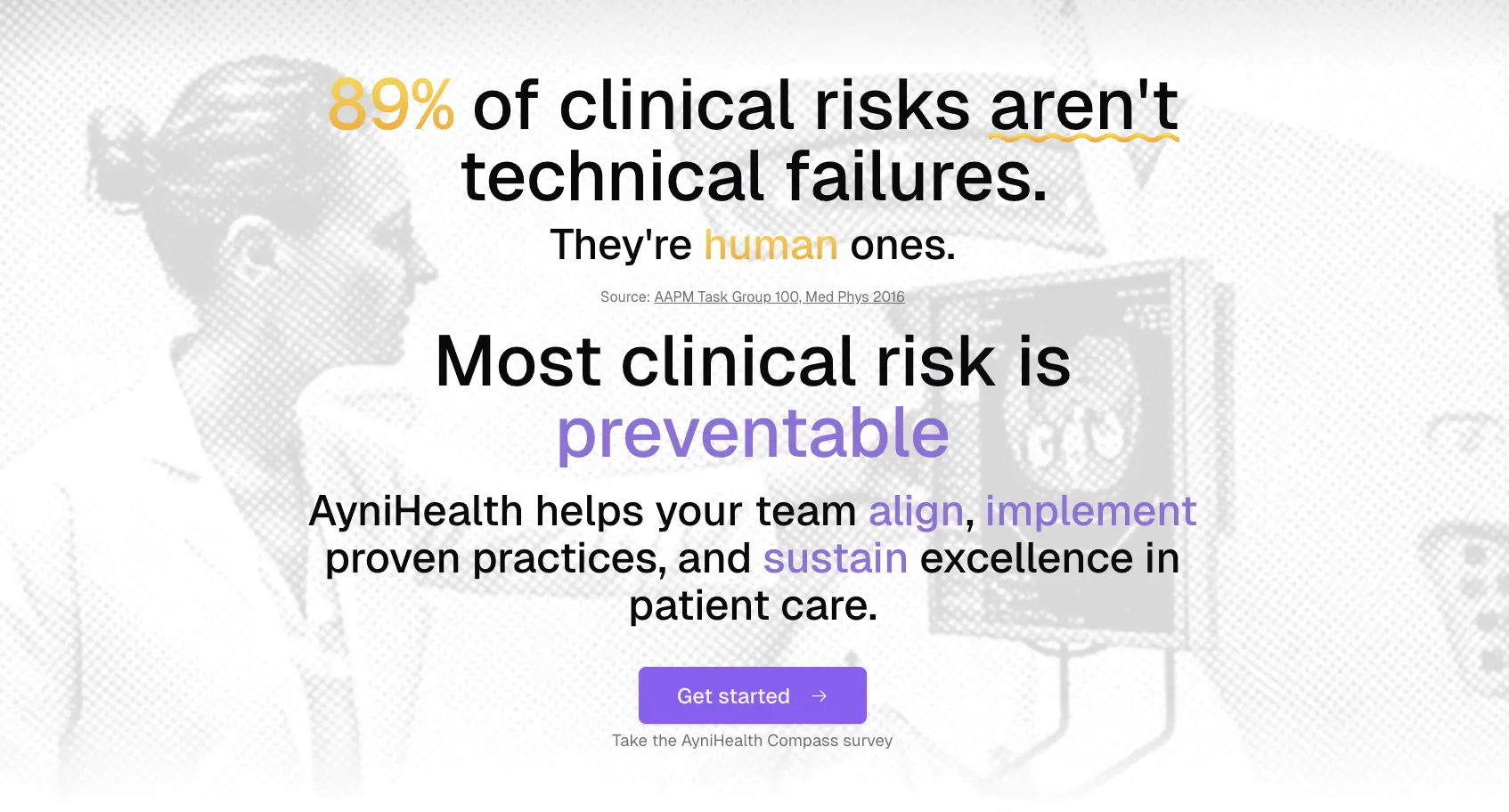
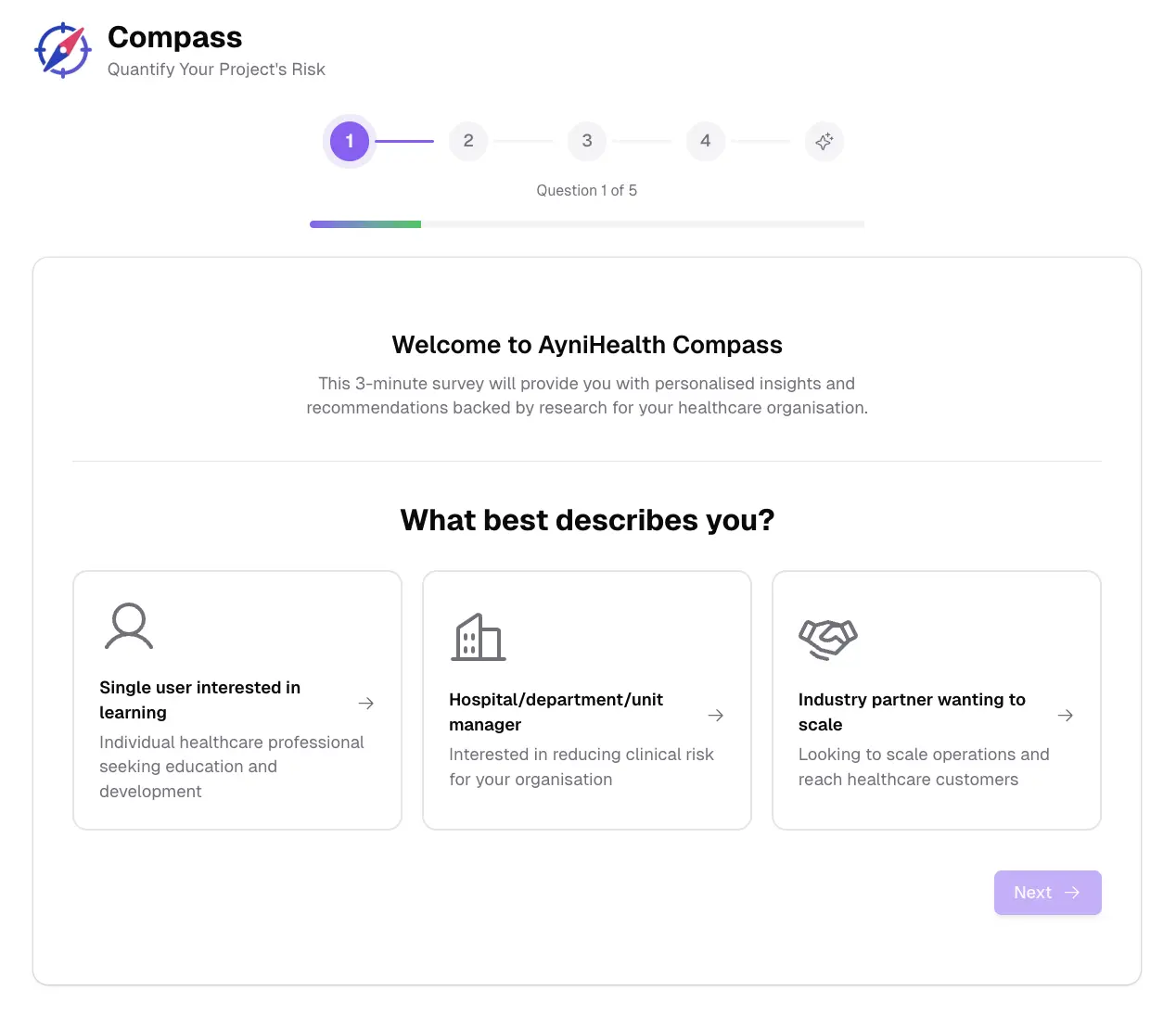
The survey experience includes:
- Animated progress indicator with delightful completion animations
- Auto-advance for single-select questions with smooth slide transitions
- Privacy-first design: responses stay in your browser until you explicitly save them
After completing the survey, a loading screen analyses your responses and generates personalised insights.
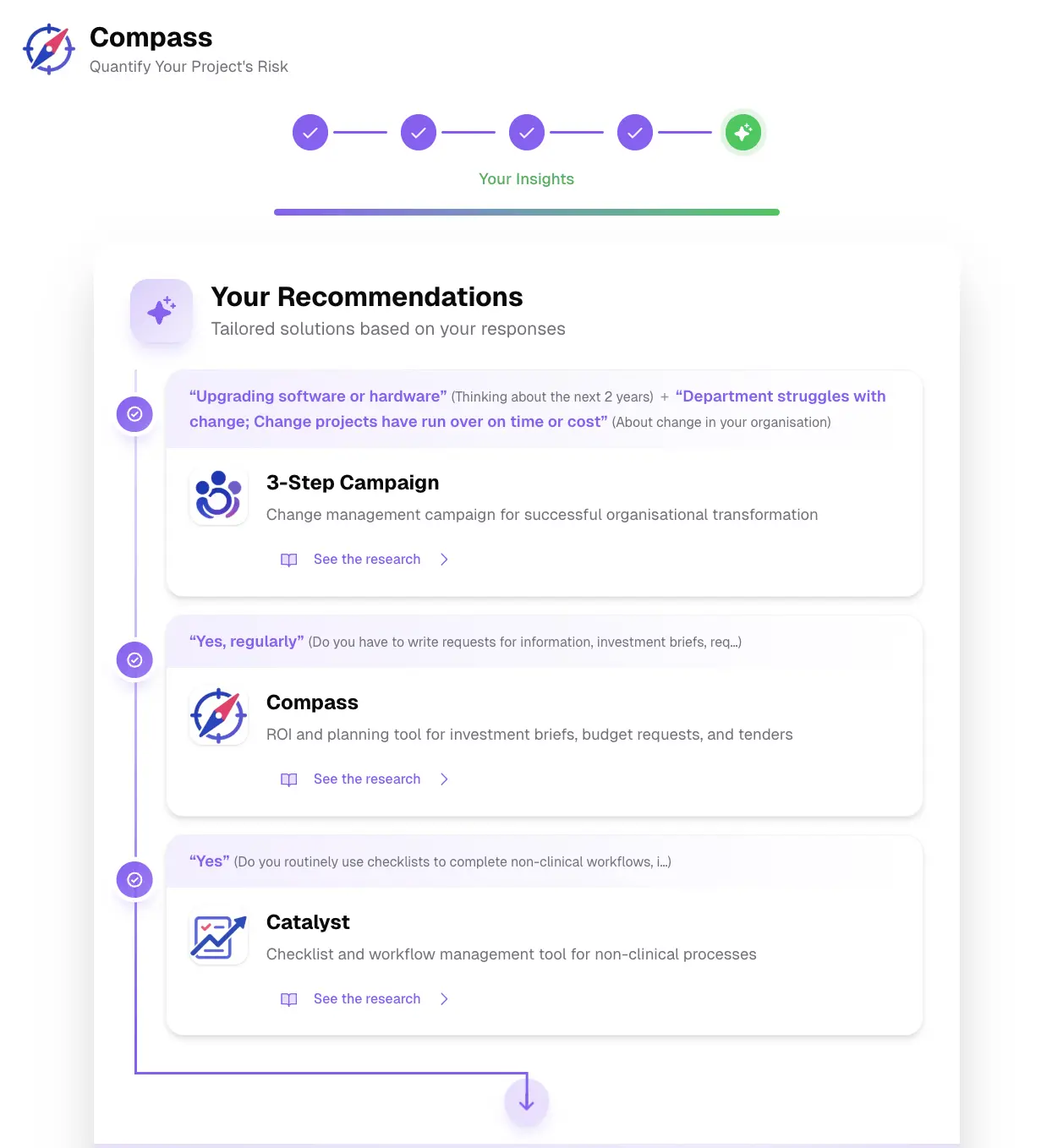
The redesigned results page shows your answers alongside research evidence and tailored product recommendations in a clear visual hierarchy.
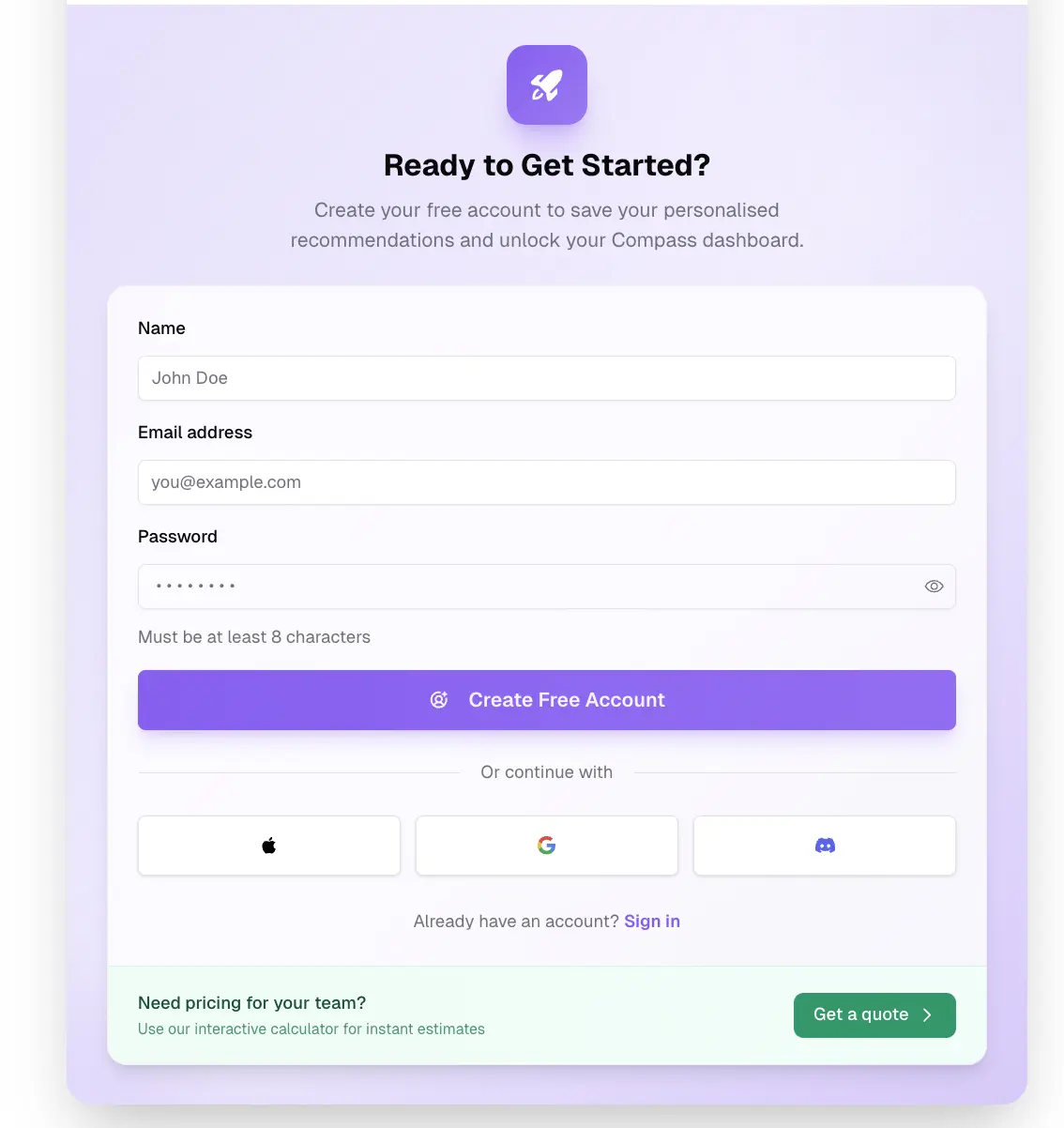
Save Your Results
Complete the public survey and create an account to save your results. Your survey data is stored in your Organisation Profile in Compass, and you can retake the survey anytime from your dashboard.
Catalyst: AI-Powered Task Generation
Generate structured task lists from natural language descriptions or uploaded images. This feature understands screenshots of procedures, checklists, and protocol documents. Now available to all users with three detail levels: Simple, Moderate, and Detailed.
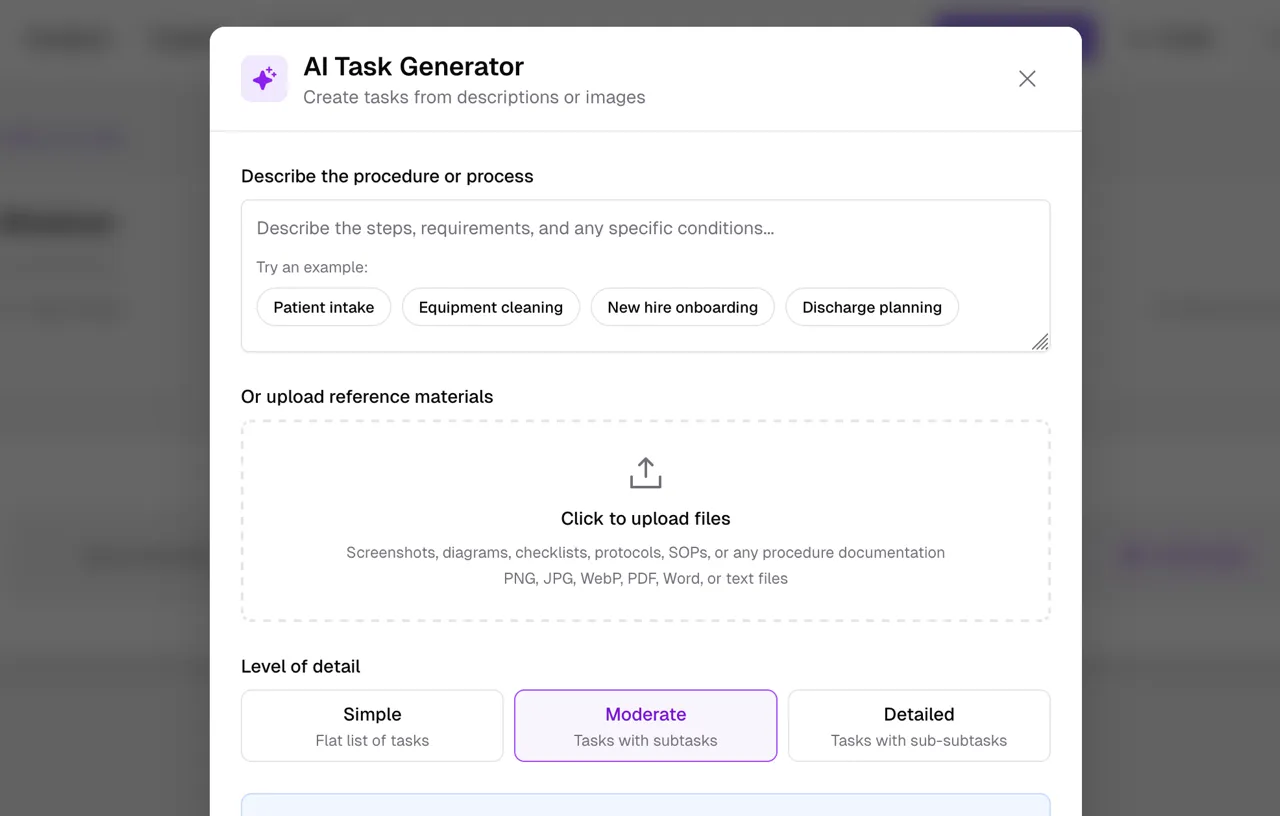
Simply describe what you need or upload an image, and AI will generate a structured task list. Preview and refine the generated tasks before adding them to your list.
Export to PDF
Export your Catalyst task lists to PDF for sharing or printing.
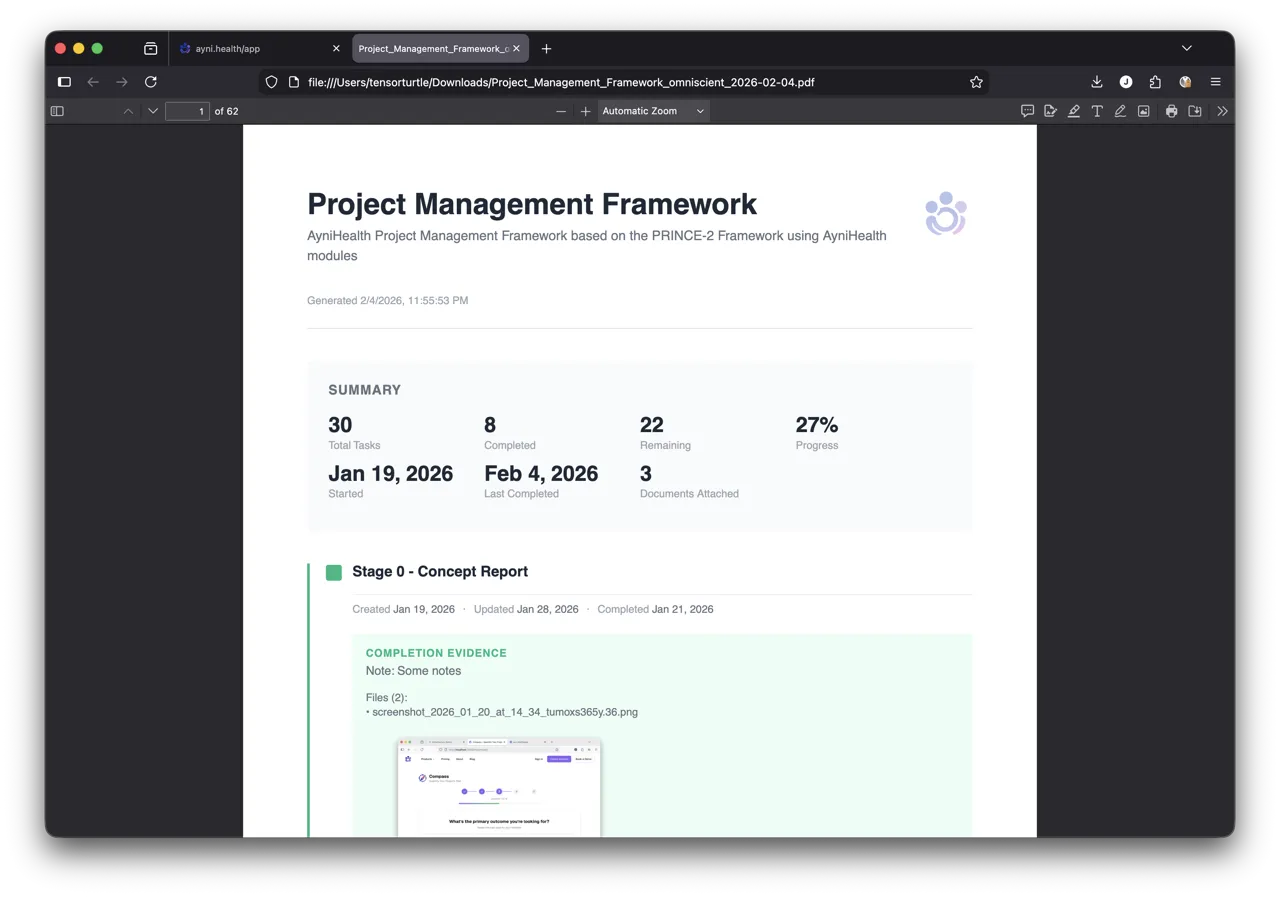
The export includes:
- Full-size image appendix with clickable links from inline thumbnails
- Attached documents converted to appendix pages (Word, Excel, PowerPoint, and more)
- Spreadsheets automatically optimised for readability (landscape, scaled to fit)
Team-Based Sharing
Share lists with your team instead of individual email invitations. All team members get edit access, and lists created from organisation templates can only be shared with teams from the same organisation.
A new “Team Shared Catalyst Workflows” section on the Catalyst home page shows lists shared with your teams at the top for quick access.
Completion Notes and File Attachments
Add notes and upload proof documents (up to 5 files) when completing tasks:
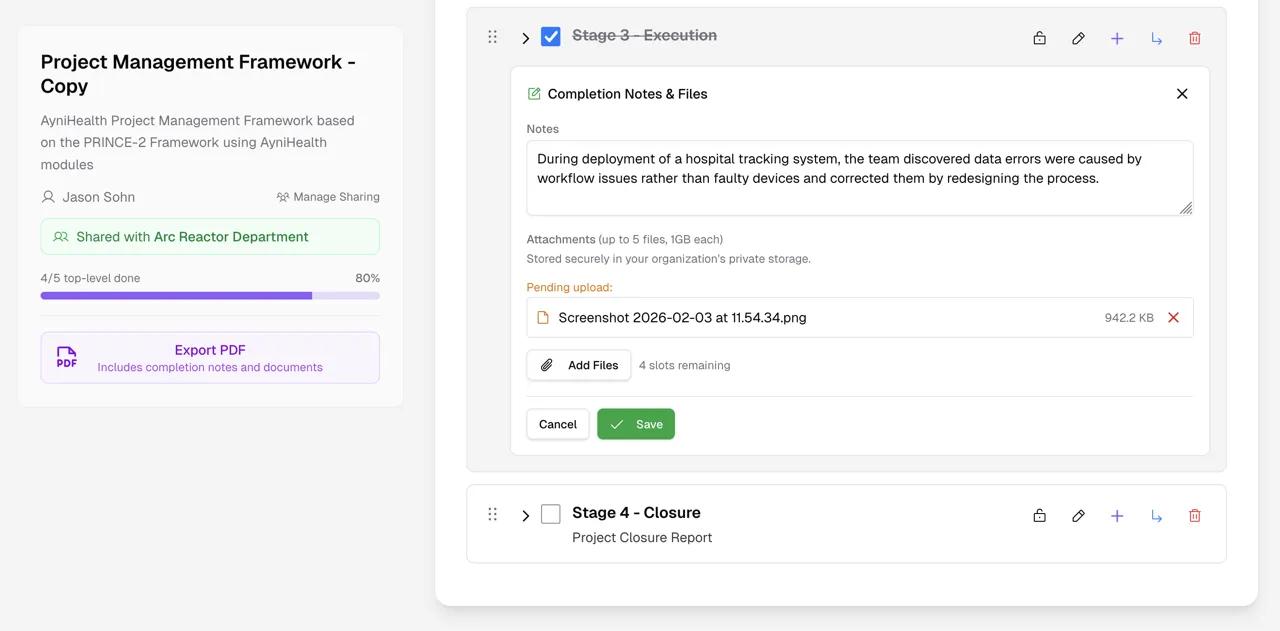
- Files are stored securely in your organisation's private storage
- Shared list collaborators with edit access can add their own notes
- Notes and files are preserved if you uncheck a task
- When using templates, completion data starts fresh for each new instance
More Catalyst Improvements
- Visual progress bars on workflow cards showing task completion at a glance
- Completed workflows automatically move to a “Completed” section at the bottom
- Clone from your own task lists (not just templates)
- Clone templates when creating organisation or team templates
- Visual peek effect in template selection showing preview of additional items
- Exact completion timestamps tracked for tasks (enabling future project summaries)
- Sticky metadata sidebar on wide screens for easier reference while scrolling
Enterprise: Batch User Invitations
Organisation admins can now invite multiple members at once by pasting a list of emails or uploading a CSV file.
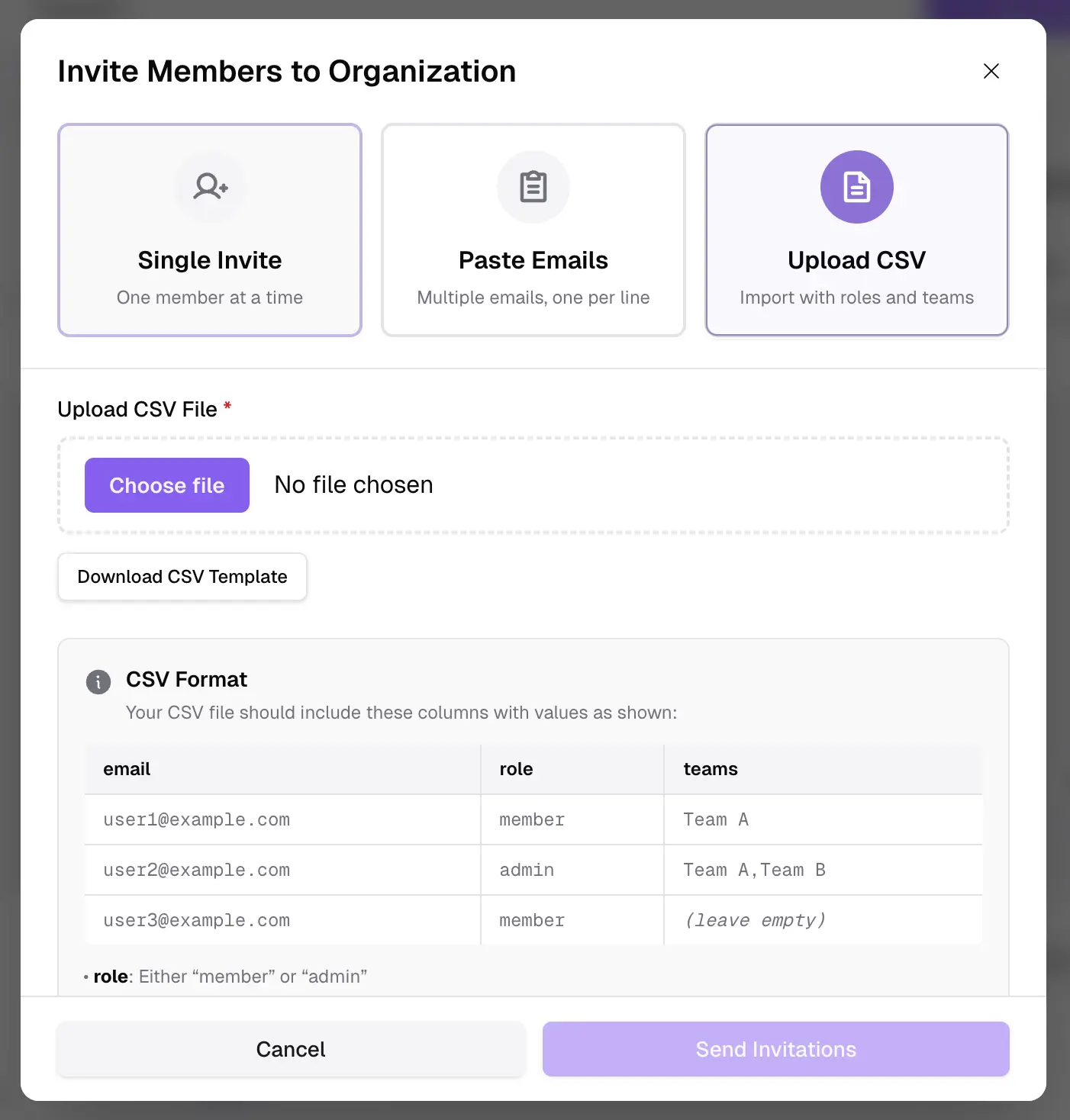
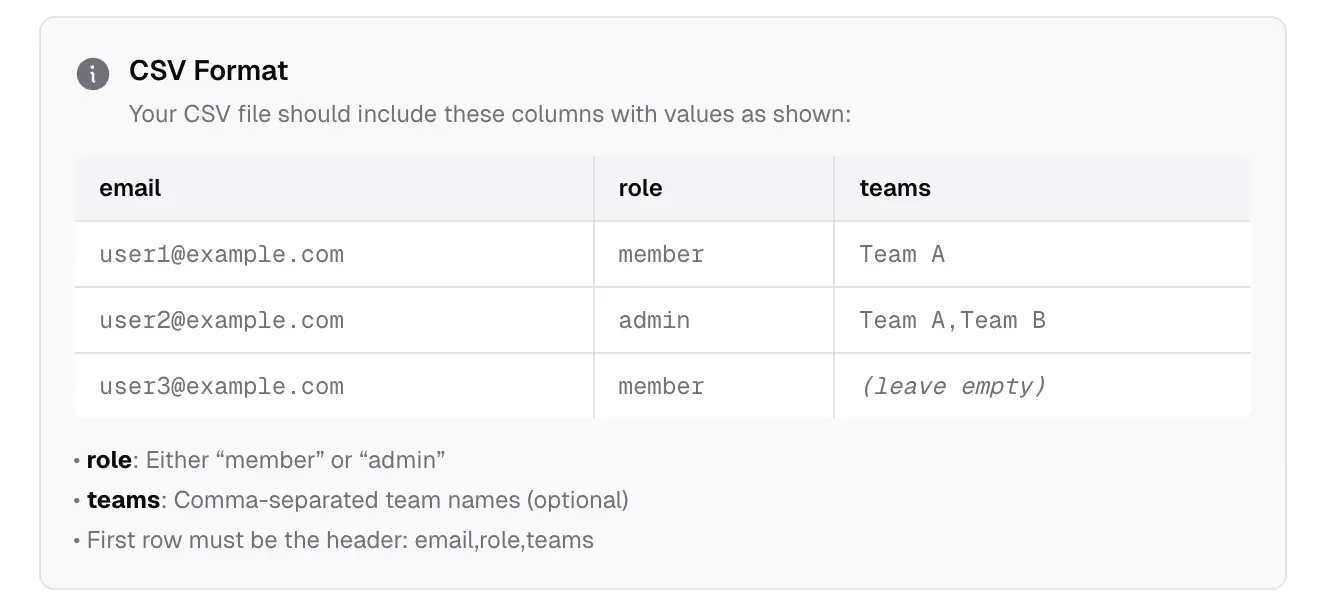
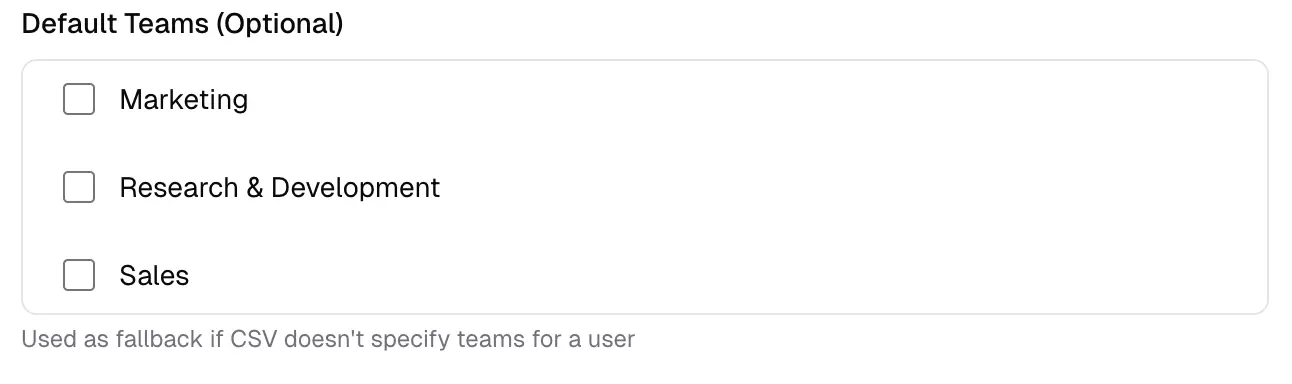
The CSV format allows specifying individual roles (member/admin) and team assignments per user. A visual format guide with example table makes it easy to prepare your data.
Comprehensive validation prevents duplicates and existing members, with a detailed results summary showing successful and failed invitations.
Challenge Analytics for Organisation Admins
New insights for managing your organisation's learning programs:
- Most missed quiz questions sorted by miss rate, recent activity, or total attempts
- Separate views for assigned challenges vs all organisation challenges
- Most popular challenges with configurable time window (7/14/30/90 days)
- Recent challenge completions by members
Analytics pages (Content, Challenge, Catalyst) are now available to all organisation admins, not just owners.
Interactive Pricing Calculator
The new interactive pricing calculator on the Pricing page lets you configure your exact needs:
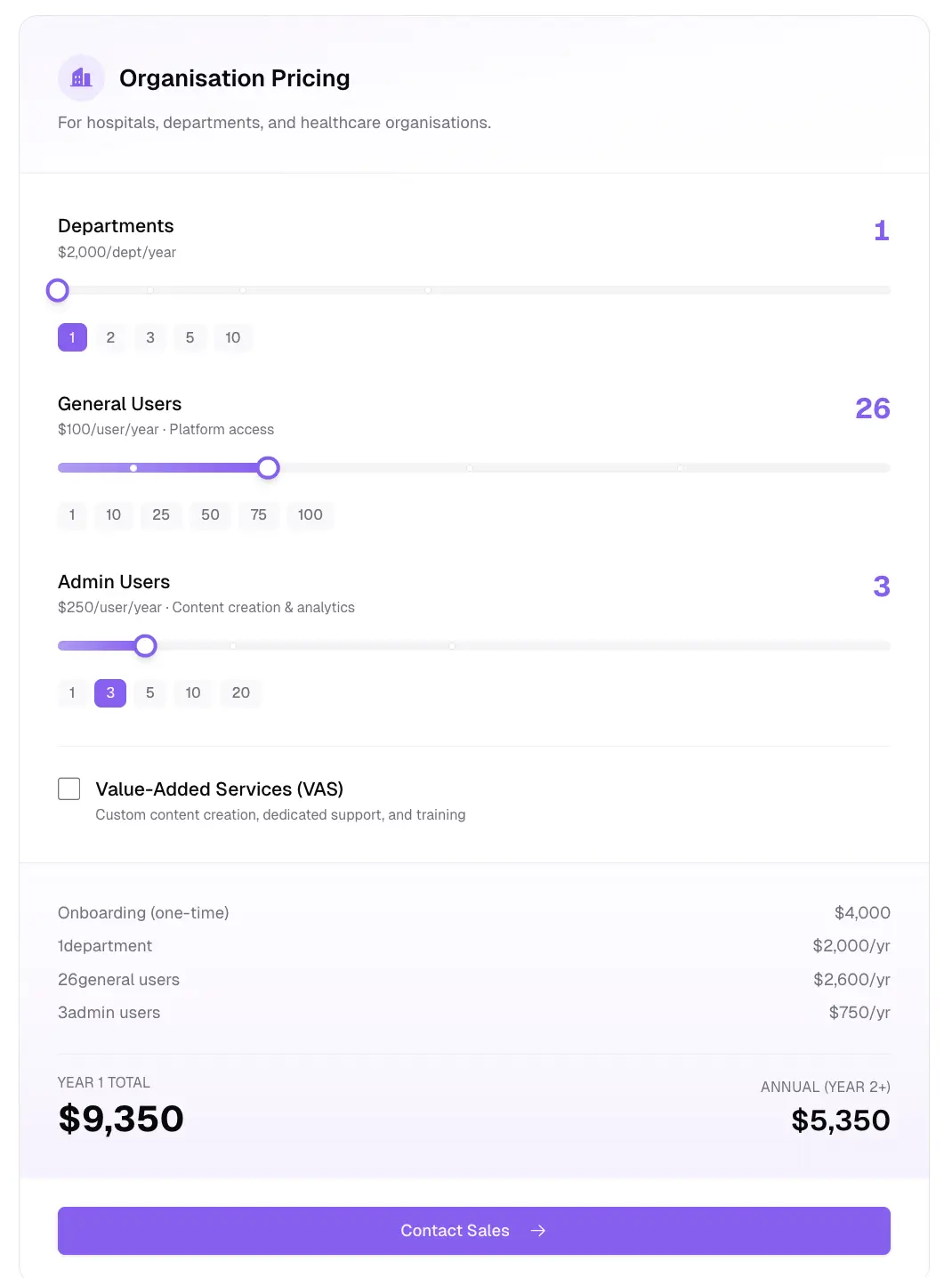
- Drag sliders to configure departments, users, and add-ons
- See real-time Year 1 and Annual pricing estimates
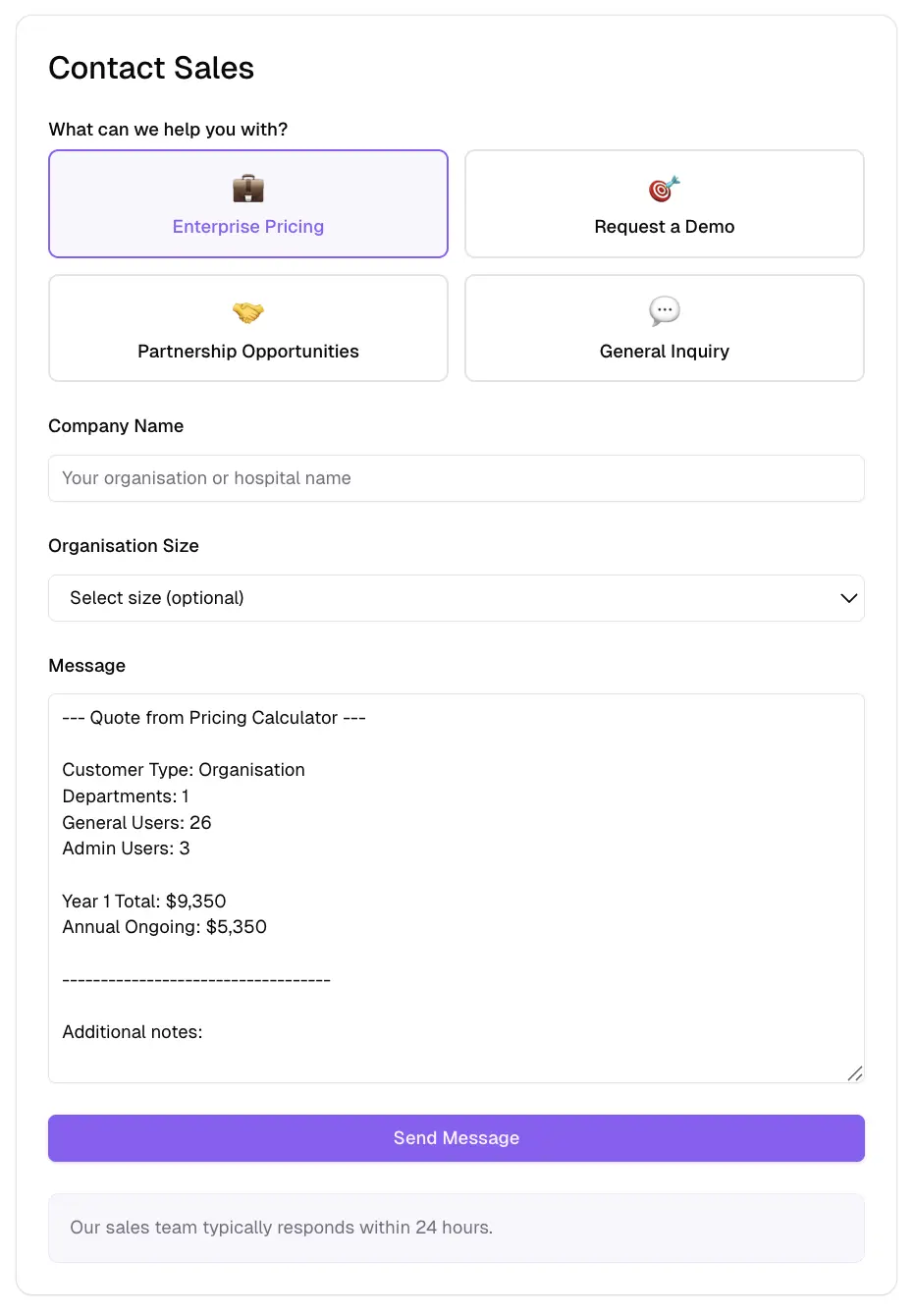
Send your configured quote directly to sales via the contact form.
Dark Mode
Dark mode is here! The application now supports system preference detection and manual toggle. All forms, buttons, and components have been updated for consistent dark mode styling.
Connect Improvements
- Request new CPD entities directly from the content form when the one you need isn't available
- Ayni Points auto-sync with Estimated Minutes when creating content, with 1x, 1.5x, and 2x multiplier buttons for challenging content
Platform-Wide Improvements
Changed
- Deprecated ROI Calculator in favour of Compass survey — all ROI calculator links now redirect to Compass
- Unified hero section styling across all Solution pages
- App dashboard now shows Apps section first for regular members
- Refreshed Content Analytics page with popular content and content-by-type breakdown
- Challenge analytics pages load significantly faster with optimised data fetching
- Converted static images to WebP format for faster page loads
- Improved UI consistency with updated button styles and Phosphor icon library
- Refreshed header and footer styling
- Unified text input and textarea styling across all forms
- Standardised loading skeleton animations
Fixed
- Recent catalysts now correctly appear in organisation Catalyst Analytics
- Fixed pagination issue where lists with more than 30 items would be truncated
- Fixed Compass page dark mode display with proper theme-aware backgrounds
- Fixed Compass survey question flow for individual users
- Added missing icons to all “Thinking about the next 2 years” options in Compass survey
- Removed broken OpenGraph image reference
AyniHealth Connect is free to join. Get started at www.ayni.health.